WebP to JPG
Make WebP images easy to share and open.
Review file order below. Results can be downloaded individually or together as a ZIP.
Loading converter…
No uploads. Maximum results: 100 MB total. Keep this tab open. Cancel stops PDF and ZIP workers; an image already encoding may finish before its result is discarded.
Need another format or found a problem? Send feedback ↗
How to use WebP to JPG
- Add your WebP file. Choose a file from your device and review the workspace.
- Choose your options. Review the settings and select Convert.
- Save your result. Use the download links to save your results. Image exports can also be downloaded together as a ZIP.
Know your output.
Still images only; animated images are rejected. Images are re-encoded, so metadata and color profiles may change. JPEG removes transparency and uses your selected background. Maximum 20 MB and 24 megapixels per image, 12000 pixels per side, and 100 MB total input. Width and height apply before rotation. Results may be larger than the original; quality is not a target file size.
Conversion happens locally. Refreshing or closing this tab clears the workspace; downloaded files remain on your device.
WebP to JPG: conversion behavior
Convert a still WebP into JPEG for workflows that require JPG. Choose a background for transparent pixels and inspect the selected quality.
Use it when a downloaded WebP is not accepted by the destination. The original file stays unchanged.
- Animated WebP is rejected rather than silently reduced to a single frame.
- Transparent areas are flattened onto the selected background, white by default.
- JPEG encoding is lossy. Optional resizing changes dimensions; fine detail and metadata may change.
- Different browsers can produce different byte sizes at the same quality setting.
Transparency meets a white background.
This 480 × 300 sample has transparent areas and soft edges. The JPEG was generated with a white background and 90% quality in Chromium. The checkerboard is a preview background, not part of the source image.
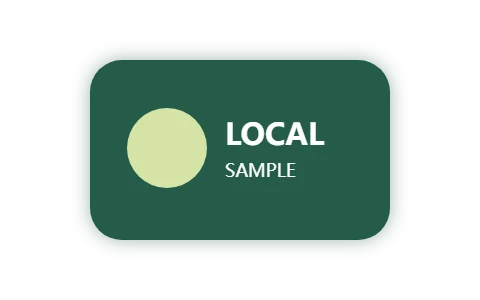
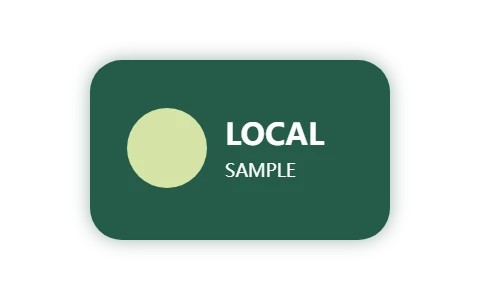
Repeat it above: open the sample, select white (#ffffff) and High · 90%, then convert. Pixel dimensions should remain 480 × 300. Your file size may differ across browsers. See the testing notes.
Questions about WebP to JPG
Can I just rename .webp to .jpg?
Renaming changes only the filename. Conversion changes the encoded bytes to match the JPEG format.
Can it convert animated WebP?
No. Select a still image; detected animation is rejected.
Understand the next step
Choose between JPEG, PNG and WebP for your next exportWhy PNG transparency changes when you convert to JPGContent reviewed · Conversion behavior & testing